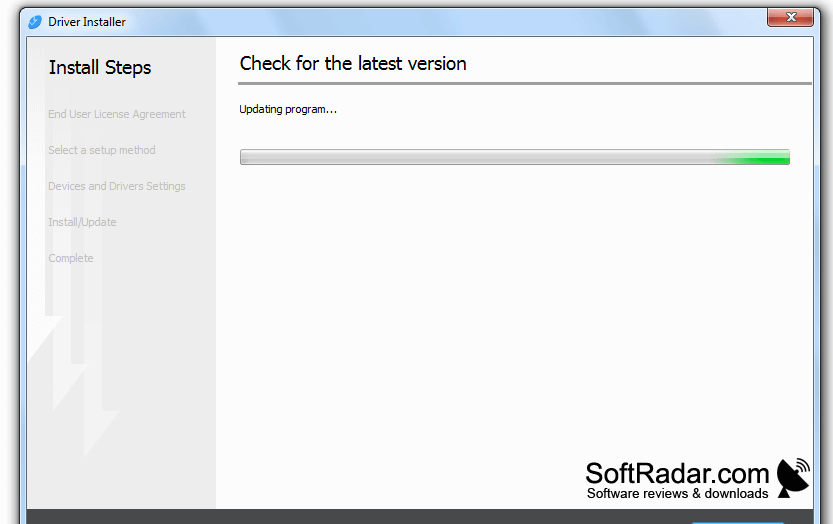
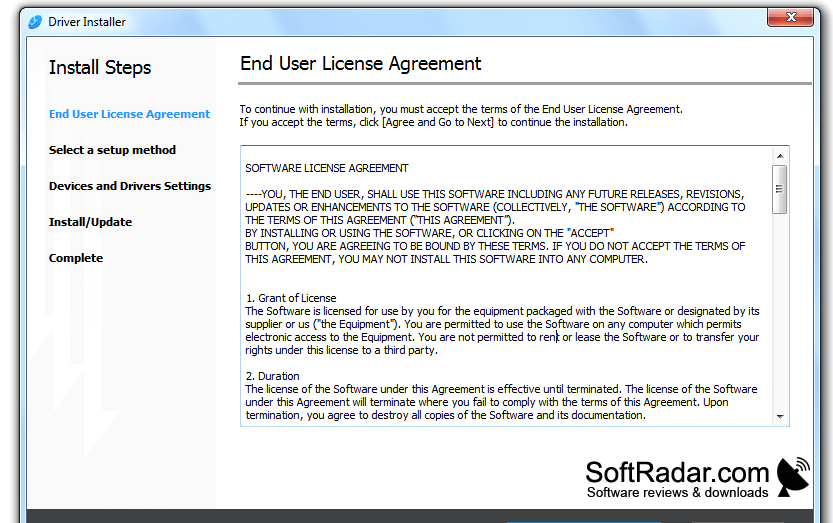
Ricoh Device Software Manager is a Windows utility for setting up Ricoh printers. It helps users who need a driver for a newly connected printer or want to reinstall one that is already in use. The guided process reduces the need to identify a printer model and locate its driver separately.
It identifies a connected Ricoh printer and handles the driver download and installation.
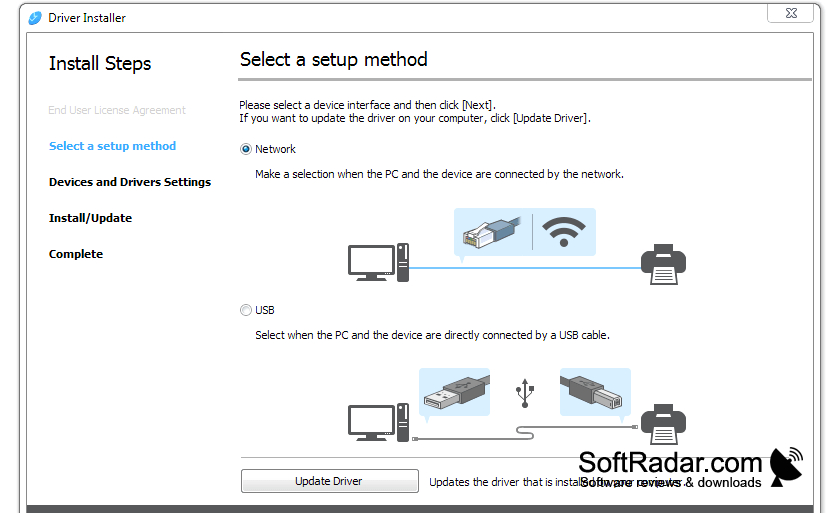
The utility checks for printers on the local network or detects a connected USB device. It then obtains a suitable driver online and installs it on the computer. Users can choose from PCL and PostScript driver types where available. The tool also supports reinstalling printer drivers, but it does not provide Universal print drivers.
Features:
- Finds Ricoh printers on a local network
- Detects printers connected through USB
- Downloads drivers for identified devices
- Installs printer drivers through guided steps
- Offers PCL and PostScript driver types
- Reinstalls drivers for existing printers