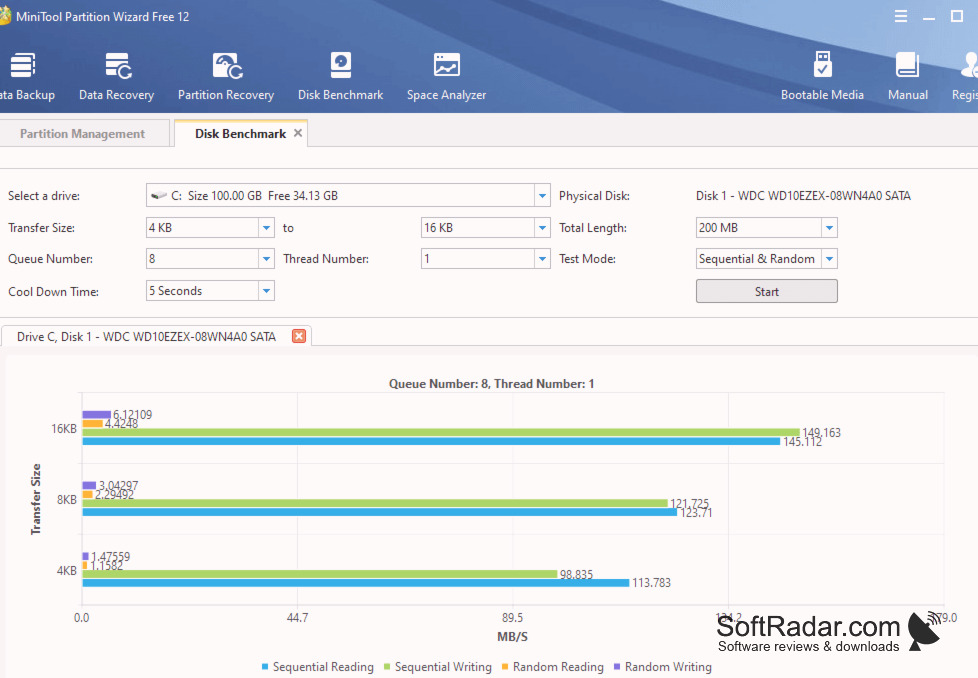
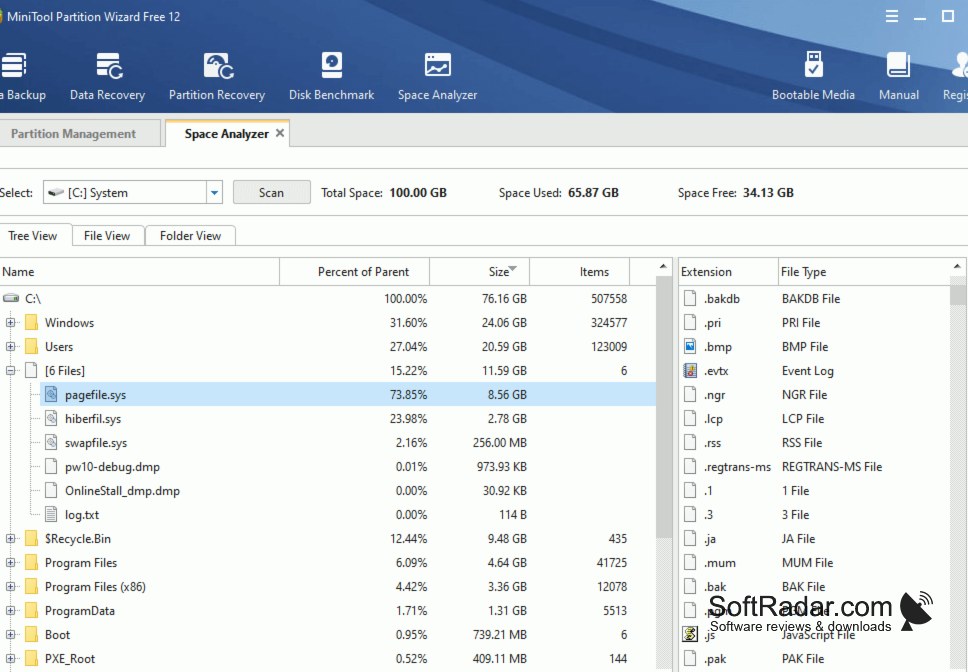
From hard disk management to resizing partitions, you need a free tool to handle computer drives. For this, MiniTool Partition Wizard Free comes to your assistance. It is a feature-packed software that can check the file system and run a surface test to find disk errors and bad sectors. It works with HDDs, SSDs, SSHDs, external hard drives, USB flash drives, SD cards, and hardware RAID. The free edition also manages BitLocker partitions and changes drive letters and labels.
Using this efficient disk management application, you can perform basic hard disk operations such as resizing partitions, creating new partitions, or performing a hard drive repartition. The toolbar also offers Data Recovery and Partition Recovery modules for finding lost files and deleted partitions, but saving recovered data and restoring partitions are features of the paid editions. The same applies to Migrate OS to SSD/HD, copying the system disk, and dynamic disk management.
Features:
- A highly functional tool to manage the hard disks of your computer, with partition and data recovery available in the paid editions.
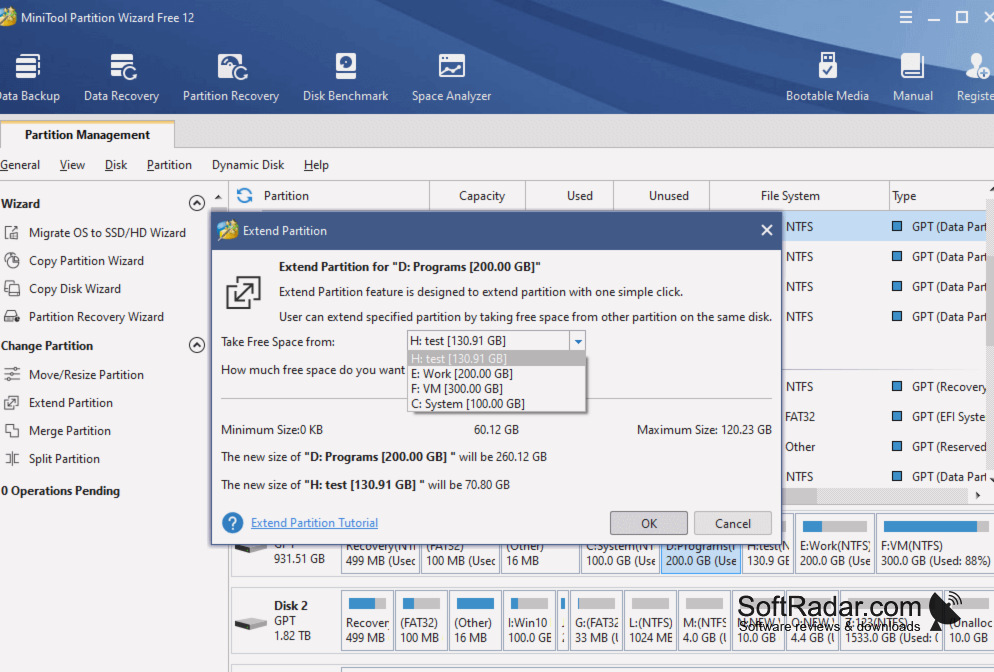
- It allows you to create, move/resize, extend, merge, split, format, wipe, or delete partitions for a better storage configuration.
- You can work with FAT12/16/32, exFAT, NTFS, and Ext2/3/4 file systems. It lets you convert FAT partitions to NTFS without data loss, while NTFS to FAT conversion needs a paid edition.
- The Copy Disk and Copy Partition wizards clone data disks and partitions, so you can move files to a new disk without copying them by hand.
- You can check the file system, run a surface test, initialize a disk to MBR or GPT, rebuild the MBR, and set partitions as primary or logical.
- It works on Windows 7, 8, 8.1, 10, and 11.
MiniTool Partition Wizard Free lets you create, resize, move, merge, split, and format partitions for free without losing data.
When using MiniTool Partition Wizard Free, you can select a desired task from the wizards in the left panel or choose from multiple disk management options in the menus. Changes are listed as pending operations and applied only when you click Apply. Install it on your 32-bit or 64-bit Windows system to manage partitions without reinstalling Windows.