Gigabyte App Center is a Windows utility for people with compatible Gigabyte motherboards. It provides a single place to open installed Gigabyte tools and find additional software for their hardware. A typical use is checking for driver or BIOS downloads before opening a companion tool to review system readings or change motherboard settings.
It gives users one place to open motherboard utilities and find driver, BIOS and application downloads.
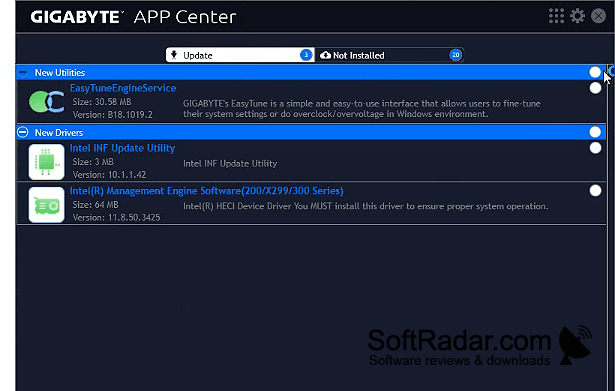
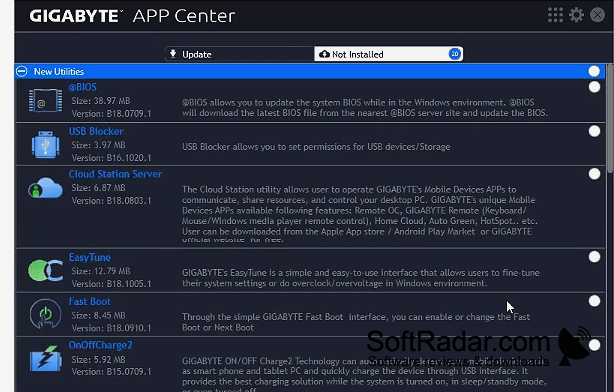
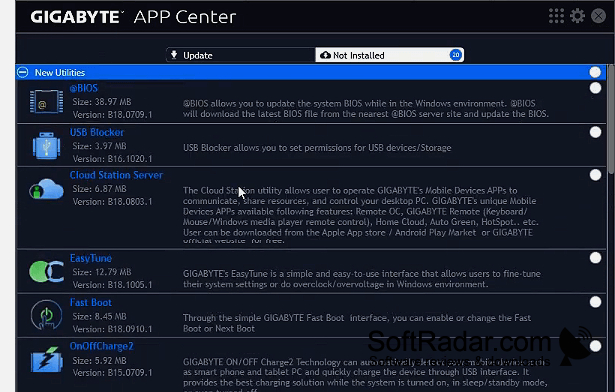
The program checks online for available Gigabyte applications and updates, with downloads for drivers and BIOS files. Its companion utilities can show processor and fan readings, adjust cooling profiles, and configure clock speeds or voltages where supported. Other tools cover lighting controls, startup behavior, temperature alerts and hardware activity logs. Available options depend on the installed hardware and utilities.
Features:
- Launch installed Gigabyte hardware utilities
- Check for application and driver updates
- Download motherboard BIOS files
- View processor temperatures and fan speeds
- Adjust fan profiles through companion tools
- Configure clock settings on supported hardware